




















.png)
Your password is just the first door. Here's why the second one matters – and why both keys can never live in the same place.
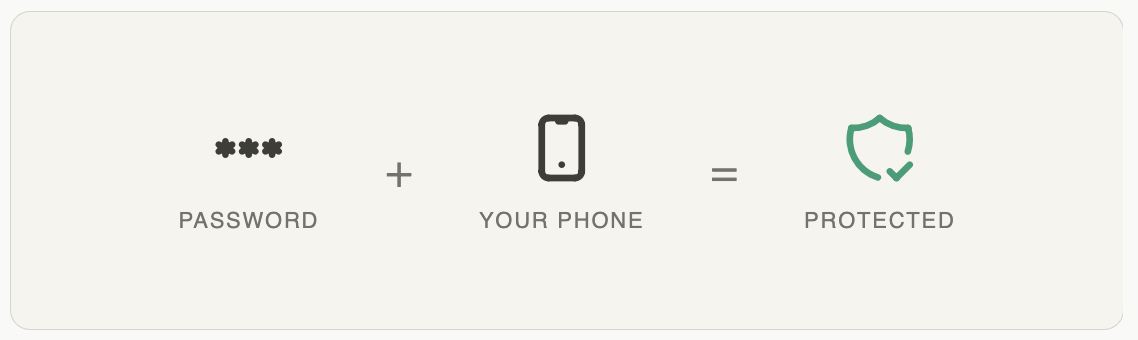
At Wealth99, your account operates like a high-security vault. The combination to that vault is split across two distinct places by design – and keeping those two things separate isn't a formality. It's the entire point.
The system is called Google Authenticator Two-Factor Authentication, or 2FA. Every 30 seconds, it generates a fresh six-digit code. Even if someone has your main password – through a data breach, a phishing email, or a lucky guess – that code is the second wall they cannot get past without your physical device.
"The strength of two-factor authentication comes from separation. The moment your password and your code share a device, you've reduced two walls to one."
We know that a dedicated authentication app on your own phone can feel like friction. It's one more thing to manage. But there are two common "shortcuts" that people reach for – and both of them quietly dismantle the protection they're meant to provide.
Some investors install the 2FA app directly on their laptop or desktop. The appeal is obvious: everything is in one place, login feels seamless. But that convenience has a serious cost.
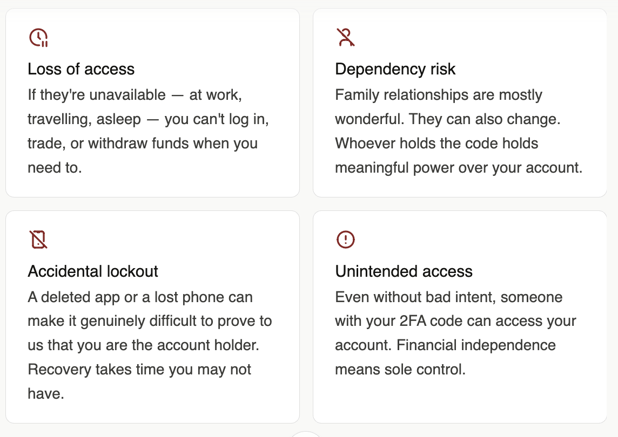
The Risk: When your password and your security code live on the same computer, a single breach compromises both. A hacker who gets into your machine through a malicious link or a piece of malware can see exactly what you see. They steal your password – and then they open the authenticator app sitting right there on your screen. The "second wall" simply doesn't exist.
Think of it like a high-security deadbolt with the key left in the lock. The mechanism works perfectly – but if someone can reach the door, the lock does nothing.
For 2FA to protect you, the code must live on a separate device entirely. Not a separate app on the same device. A separate device.
2. A family member's phone – the control you didn't mean to give away
This one is more common than you'd expect, and it comes from a genuinely good place: trust. Many investors – particularly those newer to smartphones – ask a partner, adult child, or grandchild to hold the authentication app on their device. It feels sensible. It isn't.
The Risk: In financial services, the person who holds the key effectively controls the account. When your 2FA code lives on someone else's phone, your ability to access your own money is conditional on their availability, their goodwill, and the battery life of their device.
The only safe setup
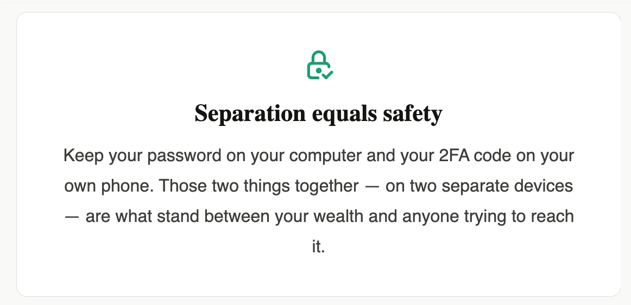
Your password stays on your computer. Your 2FA code stays on your own phone. A bad actor would then need to both hack your machine and physically steal your device at the same time – a near-impossibility in practice.
We recognise that setting up an authenticator app feels like an extra step, especially if you're unfamiliar with the process. But this is the one area of account security where there is no safe alternative. Separation is not a preference – it is the mechanism.
Your keys belong in your pocket. Not in a shared drawer, and not taped to the door.
For a full breakdown of how to set it up for your Wealth99 account, read our FAQ here.
- Share
.svg)
.svg)
.svg)